 erano
erano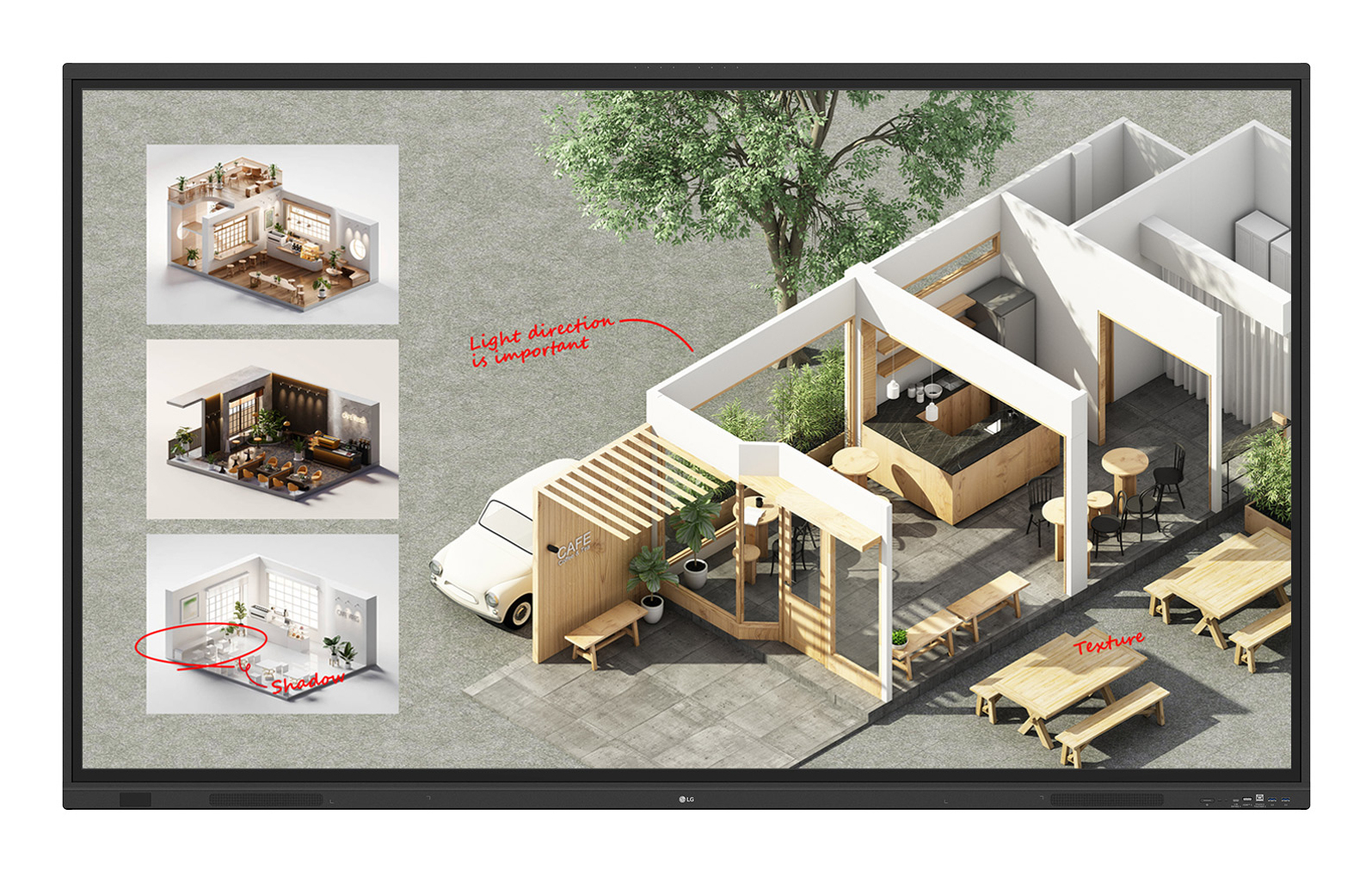
LG · Interactive Whiteboards
LG 86TR3DQ interactive whiteboard 2.18 m (86") 3840 x 2160 pixels
Innovate. Collaborate. and Create with Seamless Interactive Technology. LG CreateBoardCreative Whiteboard Solution for Interactive CollaborationLG CreateBoard offers a lifelike touch experience with advanced interactive touchscreen technology. allowing users to interact with content directly on the digital whiteboard. You can write. draw. zoom. and rotate using just your fingers. making it an effective tool for creative projects. digital collaboration. or presentations. Additionally. LG’s interactive whiteboard enables wireless screen sharing. making it an excellent tool for seamless remote collaboration and virtual meetings.Various Teaching Templates for Interactive EducationLG CreateBoard offers a variety of educational templates and interactive tools such as a ruler. table. and sticky note. fostering active student participation and facilitating intuitive. technology-enhanced lessons through LG’s classroom screens.Easy to Save. Import. and Export FilesLG CreateBoard incorporates straightforward import and export features for digital content management. making it an ideal digital signage for meeting rooms. Resources can be saved and directly imported to and from cloud storage platforms like Google Drive or OneDrive. After meetings. you can conveniently send emails to share materials or scan a QR code to transfer files to your personal device. enhancing productivity.AI FeaturesThe LG CreateBoard comes equipped with user-friendly. AI-powered features that enhance classroom engagement and create efficient meeting environments.AI Search for Information DisplayPowered by a large language model (LLM). LG CreateBoard AI offers AI-driven answers to boost your brainstorming and collaboration.AI Live Subtitle/TranslationLG CreateBoard AI automatically generates captions and offers translations into the user’s preferred language by recognizing sound. It captures both system sounds and audio input from microphones. This functionality can assist individuals facing language barriers or hearing impairments in understanding lessons.AI Video SummaryLG CreateBoard AI automatically analyzes and summarizes key takeaways from videos. enabling participants to easily grasp and remember important concepts. It also provides opportunities for individuals with hearing impairments and learners using various languages to more easily access the video content.Tools for Fluid DiscussionA variety of tools such as a calculator. clock. and sticky note are available to facilitate smooth discussions and ensure seamless idea sharing and communication. Also. users can personalize the menu bar with their most frequently used tools. thereby improving their work efficiency.Web BrowserWhen you need a reference during a discussion. you can access various online information in real time with the simple click of a web browser. The necessary information found on the internet can be easily dragged and dropped into the material you’re creating. enhancing the productivity of your meetings.Multi-OS SupportLG CreateBoard Lab offers multi-OS support. allowing users to utilize it not only with LG CreateBoard but also with other devices. This enables users to maintain a seamless experience on tablets. laptops. and various other devices. even outside the classroom.LG CreateBoard ShareLG CreateBoard Share offers a wireless screen sharing feature. providing users with a flexible discussion environment. Users can share their screen from their own PC. tablet. or smartphone. simplifying the process of sharing and collaborating on team projects or presentation materials.Wireless ScreenShare Feature for Seamless Meeting and CollaborationLG CreateBoard Share establishes a seamless and stable meeting environment with wireless screen sharing technology. eliminating the need for extra cables or connections. Presenters can now share their screens freely without the inconvenience of unplugging and plugging cables each time the presenter changes. With the capability to share up to 9 screens in real-time. it’s possible to display multiple participants’ materials simultaneously when needed. thereby enhancing collaboration efficiency and teamwork productivity.Simple Connection to LG CreateBoard ShareUsers can easily utilize the wireless screen sharing feature via LG CreateBoard Share app. and even without the app. they can still conveniently access this feature through the website. A quick connection to LG CreateBoard Share can be established by entering a 6-digit code.Presentation Convenience and Flexibility in Meeting RoomWireless screen sharing empowers presenters to navigate freely within a meeting room. unencumbered by cables. This feature enables them to seamlessly control their presentations directly from their own devices. In addition. they can conveniently send photos and videos stored on their personal devices. enhancing the fluidity and richness of their presentations.Presentation Convenience and Flexibility in ClassroomIn the classroom. the lecturer or presenter do
Excellent Deal90-day range £∞–-£∞ · average £NaN
Price history (90 days)
Lowest total price we recorded across all tracked retailers.
Retailer comparison
Sorted by lowest total price, delivery included.
£3.00 deliveryDelivery £3.00
£3,673.85
£3,670.85 + £3.00 delivery